
REFERENCE FILM


One unexpected story.
Some memories outlive the cold.
Snow Cabin · 9:16
Two photos. One impossible story.
Familiar faces. An impossible reunion. Your zombie story.
Upload two photos, choose your setting, and create a cinematic reunion starring the people or pets you love.
Start with two clear photos: one subject in each, with the face visible.
The screening room
A familiar face changes everything. Explore four reunion stories, then choose the setting for your own.
Snow Cabin · 9:16

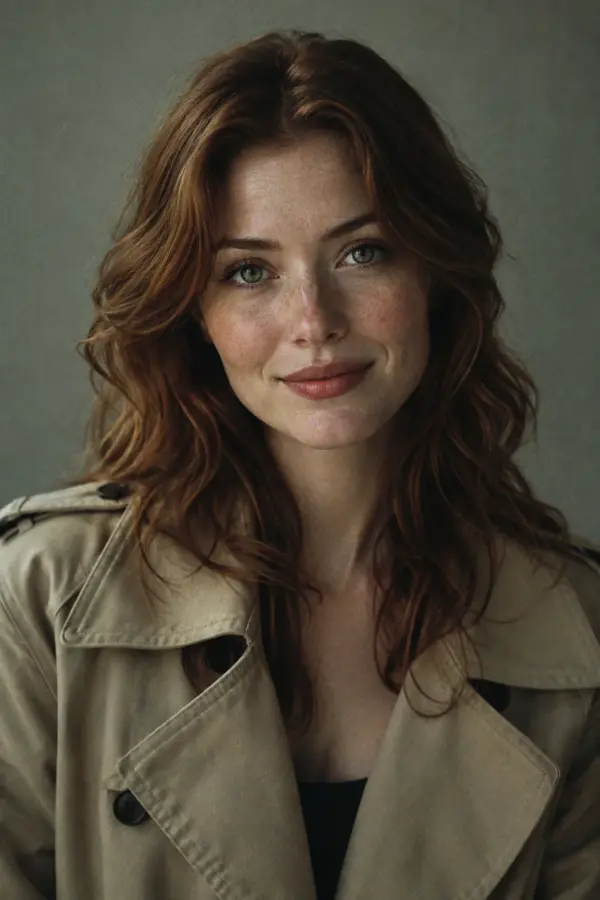
Rain City · 9:16
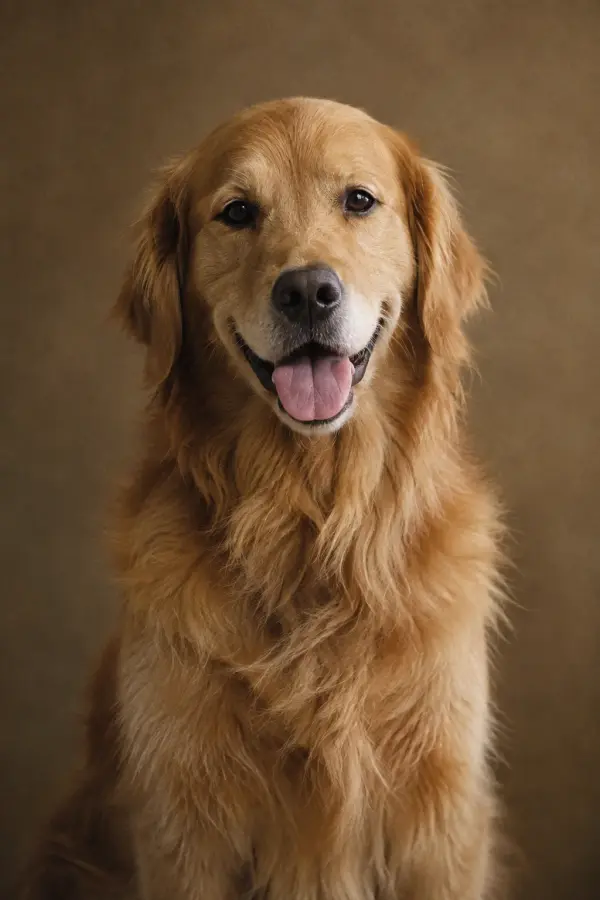
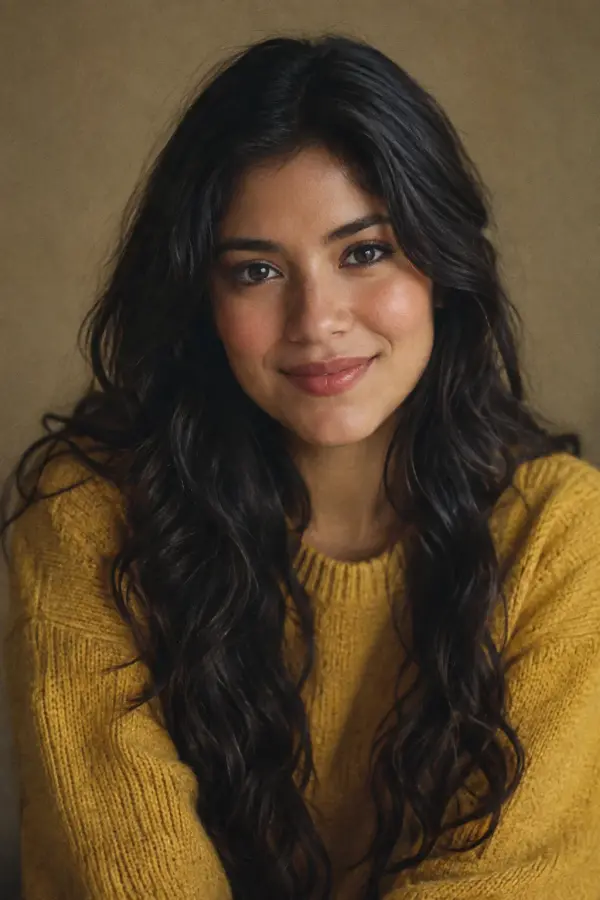
Ruined Chapel · 9:16
Snow Cabin · 9:16
Reference films sourced from aizombie.net, aizombie.org and aizombievideo.com. They illustrate a creative direction, not results generated by this site or a guarantee of your output.
Your director’s notes
Bring the cast. Choose the world. Let the reunion unfold.
Add one photo for the character who turns into a zombie, and one for the survivor. Your first character can be a person or a pet.
Pick a snow cabin, rainy city or ruined chapel. Choose a vertical frame for a phone or a wide frame for a cinematic composition.
Sign in and review the credit cost before creating. When generation is available, completed films appear in your history for download.
A zombie video maker turns reference photos into a short imagined scene. Here, the creative direction is recognition and reunion: a zombie love story, a bond between friends, or a pet finding its person again.
Location scouting
The same two faces can tell a different story in a different place. Start with a mood that feels like yours.
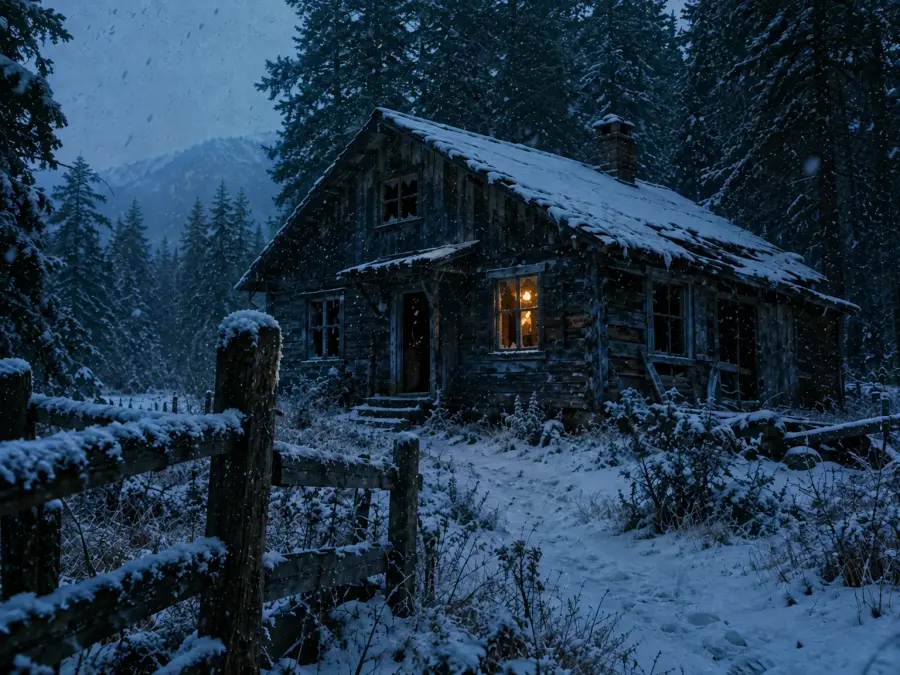 01 / Quiet / isolated
A light in the wilderness. A face you thought you would never see again.
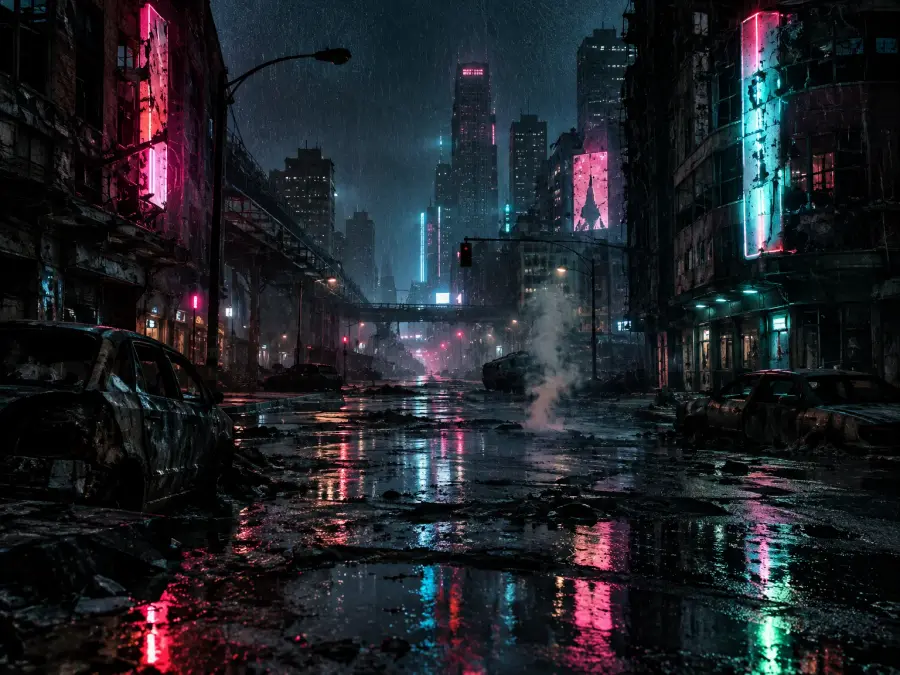 02 / Restless / electric
Empty streets, falling rain, and someone worth crossing the city for.
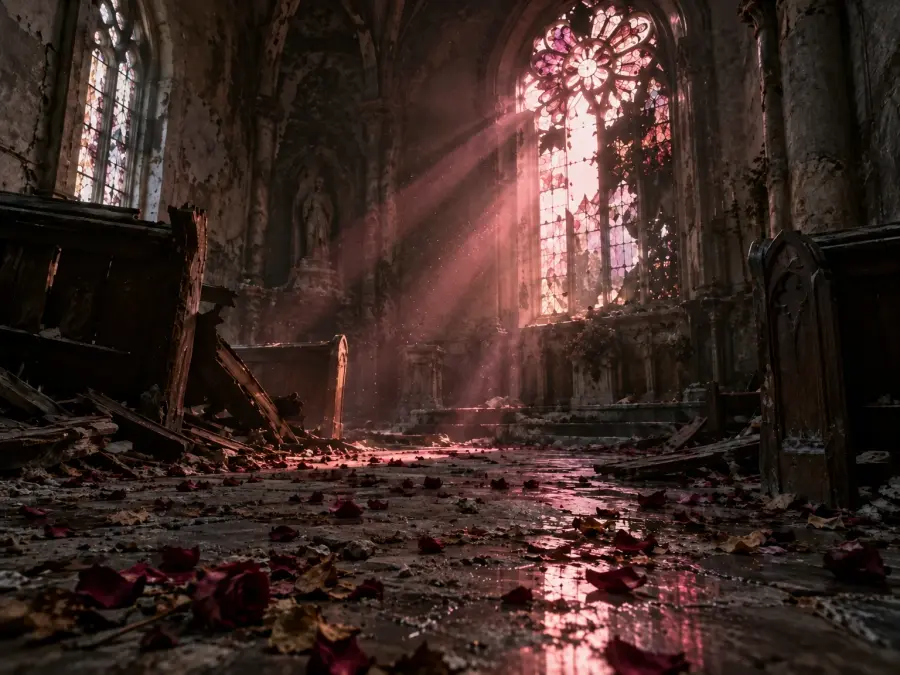 03 / Broken / hopeful
Among the ruins, something familiar still remains.
A story in five beats
Give the transformation an emotional arc. These five beats guide the story prompt, moving from uncertainty to a flicker of shared memory.
01
Two figures meet in an unfamiliar world.
02
A glance reveals someone the survivor knows.
03
Fear makes room for a familiar connection.
04
Distance gives way to a moment together.
05
A warmer memory brings the story full circle.
Story direction, not a frame-by-frame promise. Timing, character likeness and scene details vary with the selected model and source photos.
Before you roll
Give the model a clear starting point. A simple, well-lit photo is often more useful than a dramatic one.
Choose a single person or pet. Avoid crowds, collages and faces cut off by the frame.
Use a front or slight side view with even lighting. Avoid sunglasses, masks and heavy filters.
Keep the eyes, ears and distinctive markings visible. Choose a still photo over a motion-blurred one.
Use your own photos or get permission. Avoid uploading sensitive images or documents.
A short story for someone unforgettable. Explore monthly plans or one-time packs; prices are a preview until purchases open.
Billed $79.00 yearlySave 16%
2 videos a month · 40 credits
$3.29 per video
Billed $199.00 yearlySave 16%
6 videos a month · 120 credits
$2.76 per video
Billed $399.00 yearlySave 16%
20 videos a month · 400 credits
$1.66 per video
Pay once, no renewal. Pack credits never expire.
$5.50
1 video · 20 credits
$5.50 per video
$11.90
3 videos · 60 credits
$3.97 per video
$31.90
10 videos · 200 credits
$3.19 per video
Pricing preview. Purchases will open when the service is ready.
A few things to know
Practical answers before your first story.
Two reference photos: one character who becomes a zombie, and one survivor. Use JPG, PNG or WebP files, no larger than 8 MB each.
Yes. Select Pet for the first character and upload a clear pet photo, then add the survivor photo. The same three settings are available.
Choose a sharp image with one visible face, even lighting and minimal obstruction. Character likeness and motion can vary; a reference image is not a guarantee of an exact match.
The current workspace is designed for a 15-second story with a choice of 9:16 portrait or 16:9 landscape. Actual output depends on the configured generation provider.
Audio support depends on the generation model. Reference films may include audio; matching music, dialogue or sound effects is not guaranteed.
The credit cost is shown before submission. Tasks that are recorded as failed return their deducted credits. Check your history for task status; generation and purchases require configured services.
Your task history is tied to your account. When you submit a generation, reference images are sent to the configured AI provider. Review the privacy policy and only upload images you have permission to use.
Your story starts with two photos
Give familiar faces an unexpected story. Choose your cast and create a reunion worth remembering.
Create My Zombie Video