How to make your first zombie video
Sign in, choose two portraits, select a finish, and find the result.
By AI Zombie · Published 11 October 2026 · Updated 11 October 2026
1. Choose portraits, then sign in
Use your Google account. New purchases are available only to signed-in, verified accounts. Signing in does not start generation or charge you. Purchases open only after launch validation is complete.
2. Add the two adult portraits
Put the survivor in the first slot and the person who turns in the second. Check the private image previews. Swap roles if needed. Use a clear single-person reference for each distinct consenting adult.
3. Choose resolution and frame
Each video uses one allowance at either 480p or 720p. Choose 9:16 for a vertical post or 16:9 for a landscape clip. Both target 15 seconds with generated sound. Buy a one-time video pack first; no subscription is needed.
4. Choose a pack and confirm generation
Read the photo authorization and Terms. Successful verified payment adds video allowances only. Click Generate to reserve one video allowance for 480p or 720p. Simply returning from checkout does not establish payment; the order page waits for confirmation.
5. Find and download your result
Use My videos with the same account, or keep the order link. Check its stage before purchasing again. Keep the same order when confirmation or generation is delayed. Download a completed private MP4 within 7 days.
Before sharing
Watch the whole clip with sound. Check both identities, the infected role, the embrace, the memory and unwanted visual artifacts. Follow the platform’s AI-content and music rules. A completed creative result is not automatically eligible for a free retry.
Choose the roles together
The survivor stays healthy; the second portrait is infected in the cabin and healthy in the memory. Discuss both roles with your partner before uploading. Use two distinct consenting adults.
An embrace rather than a rescue
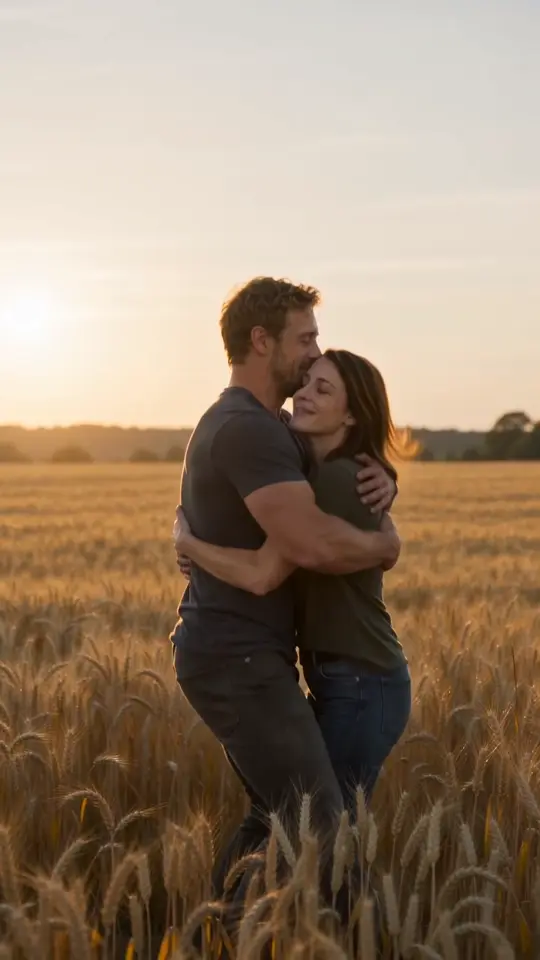
Recognition changes the survivor’s decision. The warm wheat field represents a shared memory, not a cure. This fixed story keeps the emotional turn simple enough for a short clip.
Watch the real example
Our first trial has recognizable identities and a warm ending, but the leap is subtle and the transition is a hard cut. Check the actual sample instead of treating the intended storyboard as a guarantee.
Share with permission
Agree with both people before posting. Explain that this is an AI-generated fictional scene. Do not imply that an actual infection or violent incident occurred.
See the result before choosing your photos.
Our sample page explains the inputs, actual settings and the limits of a first trial.
View the sample →