Choose two clear adult portraits
Good and unsuitable references, role choices and photo permissions.
By AI Zombie · Published 11 October 2026 · Updated 11 October 2026
Start with two faces we can see.
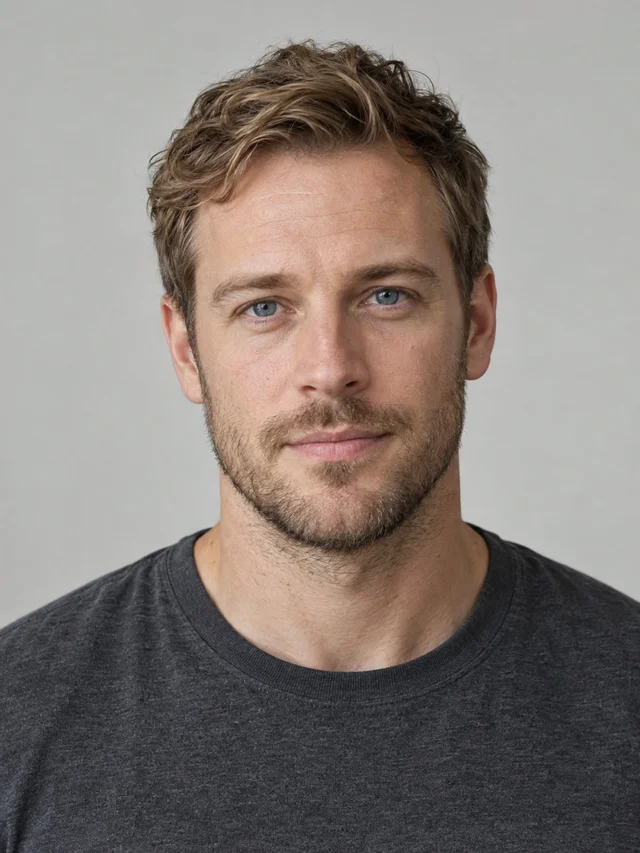
One different consenting adult per photo. Keep the whole head visible, with even light and a simple background.
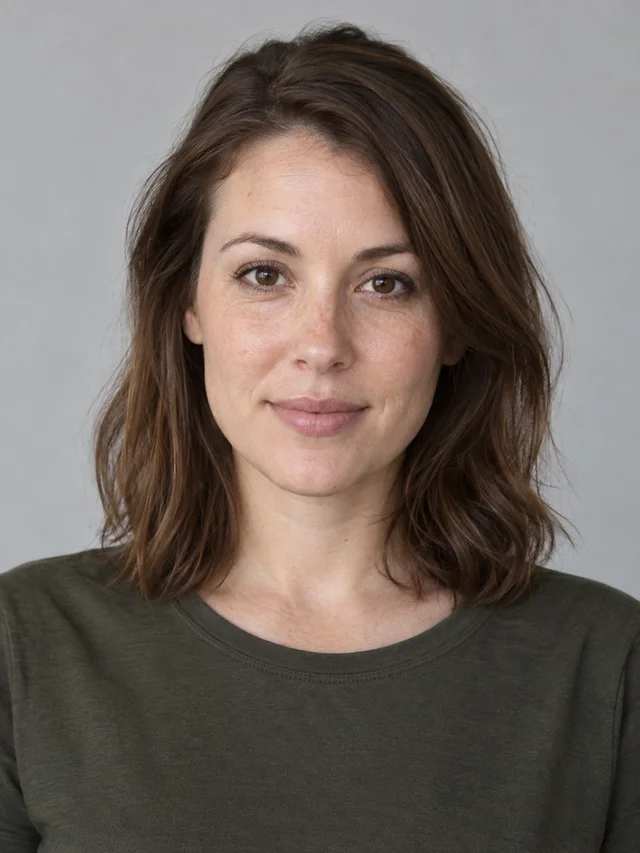
Clear face, natural light, one person.
Missing hair and chin leave less identity information.
A face hidden in shadow is harder to preserve.
More than one face makes the intended identity unclear.
Demonstrations use original AI-generated adult portraits. JPEG, PNG or WebP, up to 10 MB. No minors, pets, group photos or unauthorized likenesses. Read the full photo guide →
One person, one clear reference
Pick a recent head-and-shoulders portrait with the whole head visible. Use even daylight, a simple background and a natural expression. Avoid group photos, sunglasses, heavy filters, tiny screenshots and deep shadows. A clear input helps but does not guarantee an exact likeness.
Choose the survivor
Photo one stays healthy in the cabin. This person recognizes their partner and lowers the gun. Assign the role deliberately; neither role depends on gender.
Choose the one who turns
Photo two is infected in the cabin and healthy in the memory. Their face, hair and build should remain recognizable despite the change in appearance. Use a distinct adult identity, then swap roles if you prefer before checkout.
Files and permissions
Use JPEG, PNG or WebP files up to 10 MB. Both people must be different consenting adults aged 18+. Do not submit pets, minors or unauthorized likenesses. Choose portraits before signing in. They remain in your browser until login, then upload privately to your account.
Before you pay
Check both previews and the role labels. Select resolution and frame, then confirm permissions. If a portrait is rejected by provider review, you may need another authorized image. Do not use examples with multiple faces as an upload shortcut.
9:16 for vertical viewing
A vertical frame suits phone feeds and full-screen portrait posts. Both people still need space for movement; do not expect every pose or camera framing to match the sample.
16:9 for landscape viewing
A landscape frame provides more horizontal room for the cabin and wheat field. It suits desktop playback and landscape timelines. Our first real sample validates only its own vertical settings.
Choose before checkout
Both frames target 15 seconds. Resolution and aspect ratio are separate choices: 480p and 720p refer to output quality, while 9:16 and 16:9 determine frame shape.
Avoid cropping away the story
Changing the crop after generation may cut out faces or an embrace. Choose the intended sharing format first, then watch the whole output before posting.
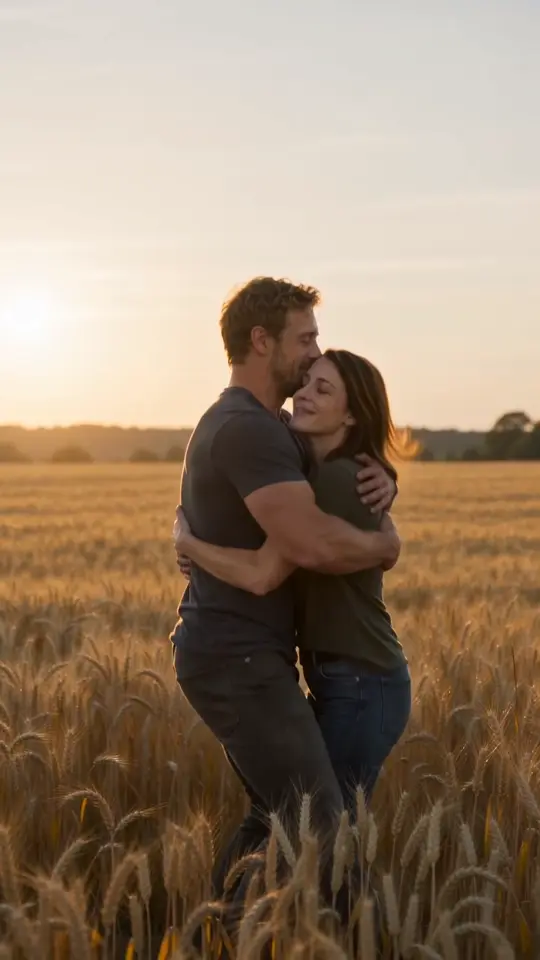
See the result before choosing your photos.
Our sample page explains the inputs, actual settings and the limits of a first trial.
View the sample →